





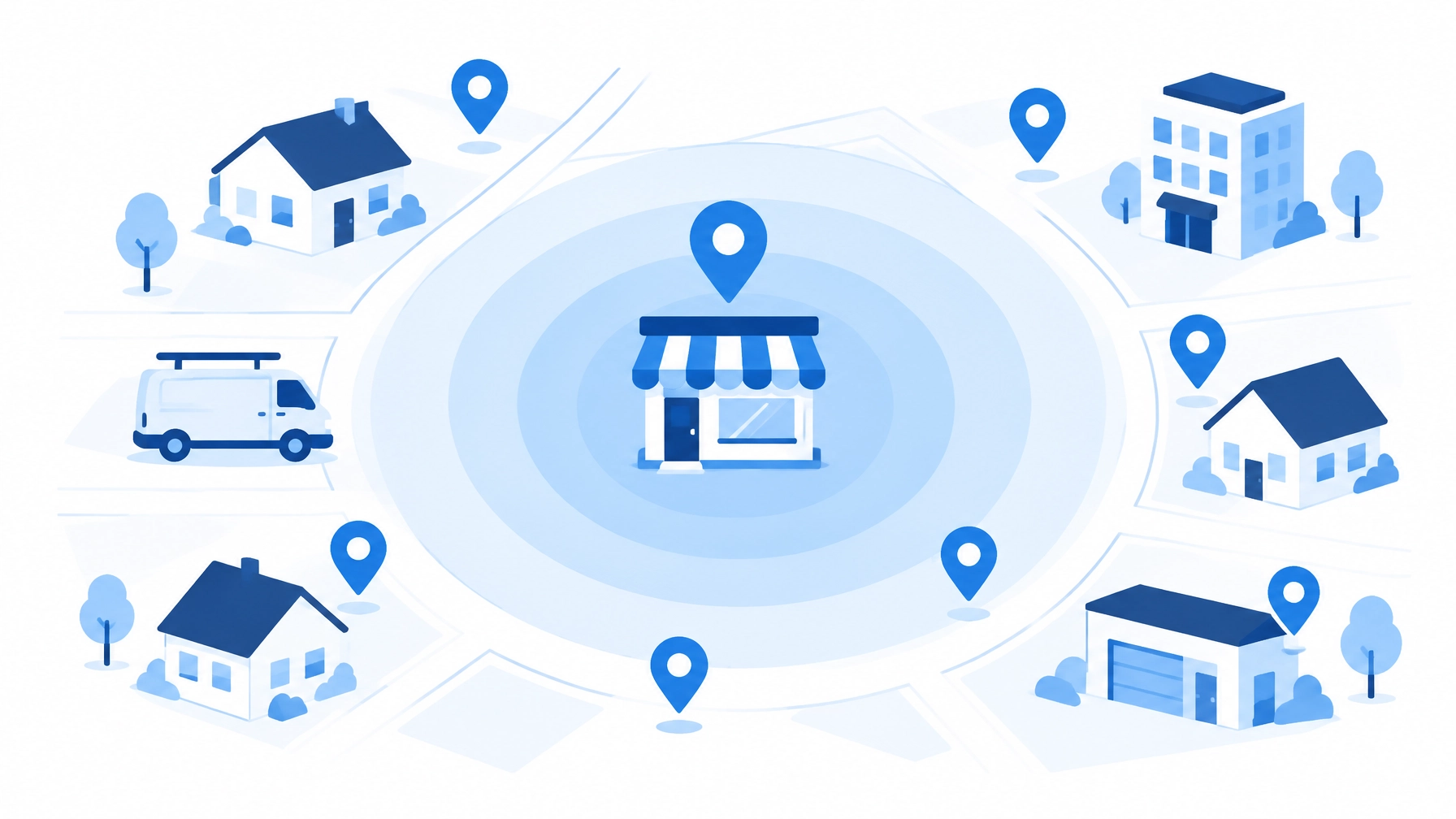
Your competitor’s best customers are standing inside a one-mile circle, and Meta will let you advertise directly into it. Most service businesses never draw the map. For local contractors in Monmouth County and beyond, geofencing marketing can turn a Meta campaign from broad local awareness into a focused way to reach potential customers near a competing showroom.
There’s an important distinction: Meta radius targeting is not a guaranteed, real-time fence around every phone inside a competitor’s property. It’s a location-based audience control. Set it up carefully, though, and you can test tightly defined areas with locally relevant ads and measure whether they produce booked jobs.
Why LSA Can’t Conquer Competitor Territory, but Meta Can
Google Local Services Ads (LSA) help you capture people already searching for a service. You choose service areas from supported cities or ZIP codes, select eligible job types, and pay per lead. But you can’t draw a small circle around a rival’s showroom. See Google’s Local Services Ads guidance.
Meta gives you a different tool: location targeting centered on a city, dropped pin, or street address. That lets you test a smaller radius around a competitor’s location, while LSA continues covering your broader service area.
Use the channels for different jobs:
- LSA: Capture high-intent calls across your service area.
- Meta: Run a separate, carefully measured conquesting campaign around select competitor locations.
- One CRM ledger: Compare booked jobs and revenue from both channels, not just lead counts.
This is a practical division of labor. LSA catches existing demand. Meta can help you enter a prospect’s consideration set before they decide who to call.
Draw the Right Fence: City, City Radius, or Dropped Pin
The Meta Marketing API radius bounds, as compiled by AdFlint, distinguish between city-based targeting and custom locations. The figures below are API-documented bounds; Meta’s consumer-facing help articles do not state them.
| Location setup | What it gives you | Practical use |
|---|---|---|
| City target | Targets a selected city rather than a custom competitor-centered circle. | Broad local coverage; less useful for tight conquesting. |
| City-anchored radius | 10–50 miles (17–80 km). Practitioner Jon Loomer reports Ads Manager defaults to +25 miles and allows lowering to +10 miles. | Larger coverage around a city. It cannot create a sub-10-mile fence. |
| Dropped pin or street address | API-documented range of 0.63–50 miles (1–80 km). | The right starting point for a small-radius test near a competitor. |
For a practical competitor campaign, test a 1–3 mile radius around the competitor’s address. API documentation lists a 0.63-mile lower bound for custom locations, while practitioner guidance treats one mile as Meta’s operational minimum. Check the live Ads Manager controls before you build the campaign.

Lock Down the Settings That Decide Whether Your Fence Holds
Start by turning off location expansion. Meta’s “Reach more people likely to respond to your ads” setting can expand delivery beyond your selected locations. It may be checked by default for some city and region targets. Meta says expansion can lower cost per result by 6.7%, but lower cost does not automatically mean better local lead quality.
For a conquesting test, uncheck it. Meta may use location-interest signals such as recent visits, searches, Marketplace activity, ad or Page engagement, friends in the area, or residence in a nearby town to expand an audience. That can be useful for broader reach. It weakens geographic control when your goal is a defined competitor-area test.
Next, account for what Meta can and cannot know about location. Its October 2026 help wording says location targeting may reach people who “live in, have recently spent time in or go often to” selected places. Meta also warns that location accuracy is not guaranteed, so some impressions or leads may fall outside your settings.
Exclusions need care, too. A person who lives in an included area can still see your ad while visiting an excluded one. Meta’s exclusion logic fully leaves someone out only when both their current and home locations are excluded.
You can use exclusion pins to carve out areas you do not serve. Practitioners also combine overlapping inclusion fences with an exclusion pin to create a tighter zone than the minimum radius would otherwise allow. But every exclusion shrinks the potential audience. Add too many and delivery can slow. Ring-exclusion workarounds are a last resort, not a dependable fix.
Conquer Competitor Territory With a Repeatable Playbook
Build your test in a few deliberate steps:
- Find eligible competitor addresses. Use Google Maps and business directories to identify relevant showrooms, offices, or trade locations. Check each address before adding it.
- Create a separate ad set per test area. Start with a dropped pin and a 1–3 mile radius. Separate ad sets make it easier to compare geography and outcomes.
- Keep the audience relevant. Layer appropriate demographics, interests, or customer-list custom audiences where they suit your strategy and comply with Meta’s policies.
- Switch off location expansion. Keep the control aligned with the territory you intend to test.
- Exclude areas you cannot serve. Add only the exclusions you need, then check the estimated audience size before publishing.
Vendor-reported results can offer context, but they are not a forecast for your business. LeadEnforce attributes to Meta a claim that location-based targeting can improve ad performance by up to 27% versus non-targeted campaigns. The vendor also reports a case study in which an Austin fitness studio using a one-mile fence around a competing gym saw 45% more studio visits within two months. Different industry, different conversion goal. Treat both figures as directional, not guaranteed outcomes.
Make the Creative Match the Fence
A tight radius needs a local message. Name the neighborhood or landmark. Explain why someone nearby should act now. For example: “Open until 8 p.m., three minutes from here” or a weekend offer with a clear expiration time.
Use Call Now or Get Directions when those actions match your offer. A generic “Learn More” can add friction for a person looking for an immediate solution. Name the target area in the headline and on any form so people outside your service territory can recognize the mismatch before they submit.
Prioritize mobile placements such as Feeds, Stories, and Marketplace. A mobile ad is more relevant when someone is out and moving, but remember: a location-based audience is not proof that the person is standing at a particular address.
Win More Calls During Staffed Hours
For a service business, the call is often the shortest route from ad to booked job. Snow Media, in March 2026, cites LOCALiQ/WordStream benchmarks suggesting phone calls close at 25–40%, compared with 10–20% for form leads. It also cites a 30–50% conversion range for callers answered within three rings, versus under 5% for voicemail.
Treat these as directional, practitioner-cited figures, not universal benchmarks. Your results depend on the trade, offer, call quality, market, and follow-up.
Run call-focused ads when your team can answer. Use forms as an after-hours catch, and follow up promptly the next business day. A sharply targeted ad cannot rescue a missed call.
Measure Booked Jobs, Not Just Clicks
Small audiences need enough time to learn. Meta’s published guidance calls for roughly 50 optimization events per ad set during the learning phase. A narrow radius may take longer to reach that volume, so do not judge it too early.
Track signals you can act on:
- Call-button clicks: A strong early signal for a phone-based service business.
- Direction clicks and redemption codes: Useful supporting indicators.
- Breakdown > Geography: Review where delivery and results actually occur instead of relying on comments or free-preview impressions.
- CRM outcomes: Record answered calls, qualified leads, booked appointments, completed jobs, and revenue.
Store-visit reporting may require enough volume and devices with location permissions, which smaller advertisers may not have. If you handle leads by phone, send offline outcomes back through the Conversions API where your setup supports it. That helps connect ad clicks to booked appointments and evaluate cost per booked job rather than cost per lead.

Check the Special Ad Category Before You Launch
Standard HVAC, roofing, plumbing, electrical, and other home-service campaigns are not Special Ad Category campaigns, so the category’s 15-mile minimum does not apply to ordinary trade ads.
Housing, employment, and credit or financial-products campaigns face tighter limits in the US and Canada: a minimum radius of 15 miles (25 km), no ZIP or neighborhood targeting, and no location exclusions. Since January 21, 2025, US-based advertisers promoting financial products must declare the category. This restriction is more likely to affect lenders, insurance advertisers, and real-estate campaigns than standard home-service trades.
Avoid These Five Fence-Building Mistakes
- Using a city radius for a one-mile test. City-anchored targeting cannot go below 10 miles.
- Leaving expansion on. Your test can reach people beyond the selected area.
- Adding too many exclusion pins. A shrinking audience can stall delivery.
- Running generic creative. Without a neighborhood, landmark, or time-sensitive offer, the ad wastes its local advantage.
- Judging too early. A small fence needs enough time to produce meaningful optimization events.
Build a smarter local lead engine. Keep LSA working across your service area, then use Meta radius targeting to test focused competitor campaigns during hours your team can answer. Measure the whole path from call to booked job.
Want a clear view of where your current setup is leaking opportunity? Request a free, no-obligation review of your Meta and Local Services Ads setup. Explore SEOPulseAI and partner with a growth team that connects targeting, creative, calls, and CRM results.