





Meta can only optimize for what you send it. Right now, most service businesses send it one signal: a form was filled.
That leaves Meta learning to find more form-fillers, not necessarily more customers who book and buy. Google Local Services Ads (LSA) bring high-intent calls without requiring a pixel. Meta Ads can generate both calls and form leads, but they need a healthy signal loop to learn which prospects turn into jobs.
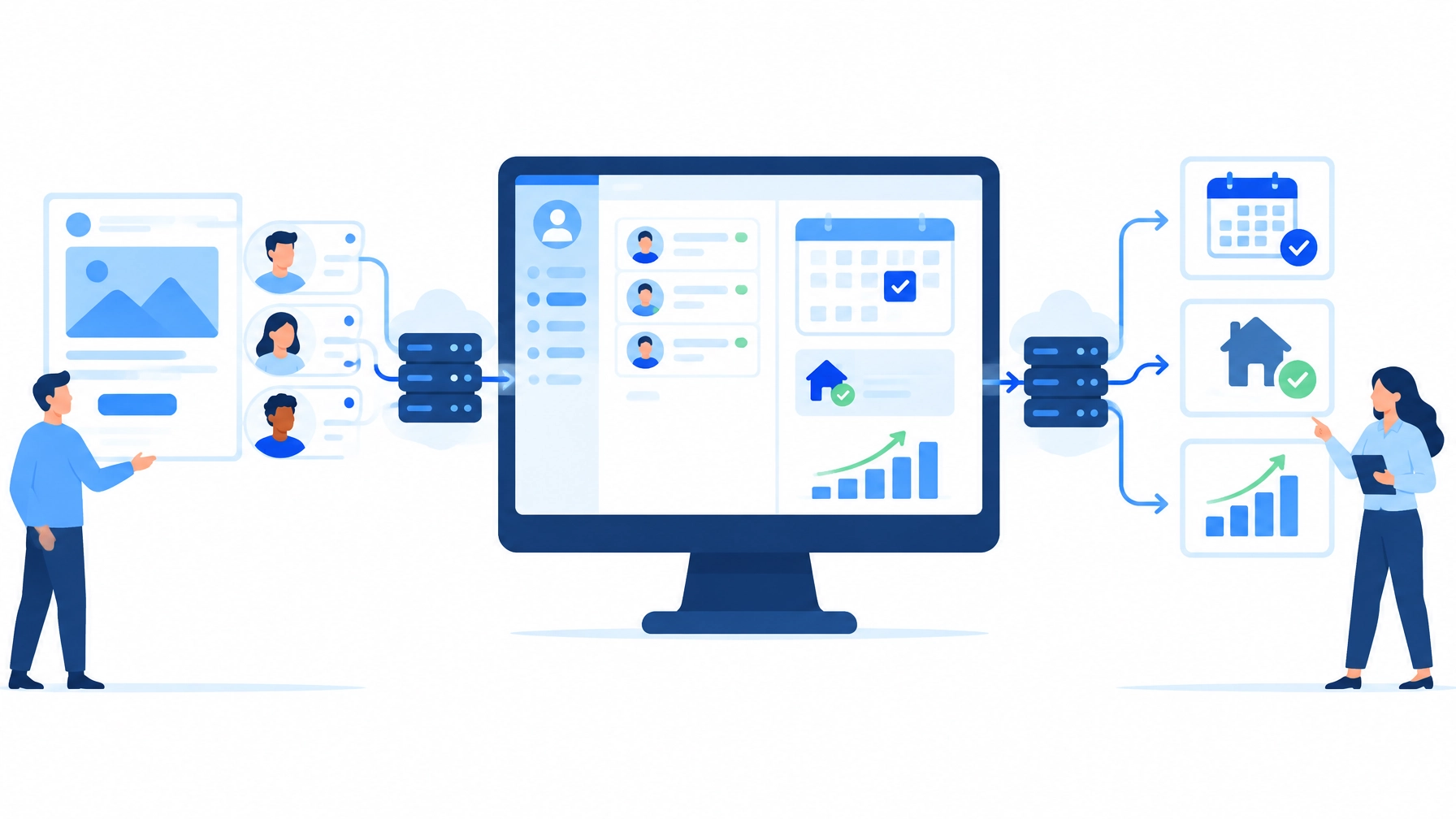
For service businesses in Monmouth County and beyond, the Meta Conversions API (CAPI) can build that loop. It gives your CRM a server-to-server connection to Meta, so your ad campaigns can learn from qualified leads, booked appointments, and revenue, not just initial inquiries.
Fix the One-Signal Problem Holding Back Your Meta Campaigns
When someone submits an instant form or website inquiry, Meta can record that conversion. But if your CRM later marks the lead as unqualified, unreachable, or booked, Meta may never receive that outcome.
The algorithm then has an incomplete picture. It sees a form submission, not the business result behind it. As a result, it may keep optimizing for low-cost leads that do not progress through your sales pipeline.
CAPI closes this gap by sending selected CRM events to Meta. The goal is straightforward: teach your campaigns what a valuable lead looks like.
Build a Server-Side Signal Loop With CAPI
CAPI sends event data directly from your server, CRM, or integration to Meta. It can complement the Meta Pixel, which records activity in a customer’s browser. Browser-based tracking can lose signals because of ad blockers, cookie restrictions, and iOS privacy limitations. Server-side connections can provide another route for eligible events.
Meta has reported an average 17.8% lower cost per result for advertisers using CAPI for web events compared with Pixel alone. Treat that as a platform-reported average, not a guaranteed outcome for your campaigns.
The setup path matters:
| Setup path | Best for | Key limitation |
|---|---|---|
| Meta-enabled one-click CAPI | A simple server-side copy of website Pixel events | Web events only, with no custom event configuration |
| Direct integration | Custom event logic and web, app, offline, or CRM events | Requires development work |
| Partner or CRM integration | Connecting supported platforms or CRM data | Capabilities depend on the integration |
The one-click option can be a useful baseline for web events, but it does not send CRM stage changes by itself. To feed CRM outcomes into Meta, use a suitable CRM partner integration, a direct integration, or a no-code automation such as Zapier’s Meta Conversions integration.

Wire Up Three Events Before You Optimize
Start with clear, consistently defined events. A practical foundation for a service business is:
- New lead: Fires when a contact enters your CRM, regardless of lead source.
- Funnel milestone: Fires when a lead reaches a meaningful stage, such as “qualified” or “appointment booked.”
- Purchase: Fires when revenue happens. Decide what counts as a purchase for your business and apply that definition consistently.
Then choose an event your campaign can learn from. A useful rule of thumb is to select a stage that roughly one-third to one-half of your leads reach, that happens within 28 days of lead creation, and that predicts revenue. For many home-service businesses, “qualified” or “appointment booked” is more useful than “closed-won.”
If your typical sales cycle takes 60 days, optimizing for closed-won may leave too few timely events for Meta to learn from. Choose a meaningful earlier milestone instead.
Meta has reported that advertisers using CAPI for CRM saw, on average, about 21% lower cost per quality lead on instant-form campaigns and 9.5% lower on website-form campaigns. These are Meta-reported averages, not promises of specific results.
Make Every Event Matchable
Meta can only match an event when you send usable identifiers in the expected format. Normalize customer details first, then hash fields that require hashing.
- Email: Trim spaces and convert to lowercase before hashing.
- Phone: Include the country code and remove punctuation. If the country is unclear, treat the number as missing rather than guessing.
- U.S. ZIP code: Send five digits.
- IP address, user agent,
fbp, andfbc: Do not hash these values. - External ID: Use a stable identifier your business controls, such as your CRM contact ID.
When the same action is sent by both browser and server, use a shared event_id so Meta can deduplicate the copies. Meta counts matching copies received within 48 hours once.
For web events, Meta’s Event Match Quality (EMQ) score rates matching information out of 10. Practitioners often treat around 7.0 or higher as a healthy working target, but the score reflects Meta’s own matching measurement and has no external audit. One practitioner reported a score rising from about 6 to 9.1 after normalization fixes. That is a single engagement, not a guaranteed lift.
Use Events Manager’s Test Events to inspect controlled events after setup or changes. Check each field, verify its format and hashing, and avoid storing raw customer values in debugging logs. Only send customer data you are permitted to use, and limit it to fields that support matching.
Connect Your CRM With a No-Code Zapier Workflow
Zapier offers prebuilt connections for CRMs and tools including Salesforce, HubSpot, Pipedrive, Zoho CRM, ClickFunnels, Google Sheets, and webhooks. A basic workflow can send:
- A new-lead event when a contact is created.
- A funnel event when a lead reaches your chosen milestone.
- A purchase event when revenue is recorded.
Practitioner Jared Weiss of Matix Flows recommends a few useful checks for automation setups:
- Leave
event_timeblank if your automation tool should use the time the Zap fires. - Normalize data in the workflow, such as
lowercase(trim())for names or emails, and format phone numbers consistently. - Keep website events and CRM events on separate datasets or pixels where that makes deduplication and debugging easier.
- Confirm the relevant offline or CRM events dataset is selected in the ad’s tracking settings.
After launch, review Zap run history as well as Meta Events Manager. If your CRM receives 200 leads a week but the workflow runs only 80 times, investigate trigger coverage before troubleshooting CAPI. Allow 3–5 days for events to appear, then monitor performance over 4–6 weeks rather than expecting an overnight change.
Prepare for Meta’s November 12 Measurement Change
Beginning November 12, 2026, a Meta setting called “Measure conversions on customer devices” is scheduled to turn on by default for eligible datasets already sending events. The feature may help Meta attribute some purchases using information such as an email address and temporary device data. It is separate from CRM CAPI and does not replace sending your CRM outcomes.
There are still open questions about whether recovered conversions affect bidding or reporting only, and how purchase value and consent are handled. Protect your measurement discipline:
- Record a reporting baseline before November 12.
- Compare Meta-reported conversions with your CRM and backend sales ledger.
- Keep server-side CAPI active.
- Opt out for a dataset only if reconciliation shows the new measurement is not working for your business.
Meta’s October peak-season guidance says ad sets need roughly 50 conversions per week to learn. Its analysis found ad sets below that level ran about 28% more expensive per purchase. These are Meta-reported figures, and the sample size was not disclosed. If recovered conversions count toward learning, reported volume could change without any increase in real sales. Your CRM remains the source of truth.
Connect Meta and LSA With One CRM Ledger
Google LSA requires no Meta Pixel or CAPI setup. It charges per lead, routes calls and messages through its own systems, and grades responsiveness directly. Meta is more flexible: it can generate calls through call ads and leads through instant forms or website forms. But Meta’s algorithm can only learn from outcomes you send it.
Bring LSA calls, Meta call-ad leads, Meta form submissions, and booked-job outcomes into one CRM ledger. Then feed Meta’s relevant outcomes back through CAPI. That helps both call and form campaigns learn from meaningful progress, closing the gap between cost per lead and cost per booked job.
The call data matters. A March 2026 compilation by The Snow Media, drawing on LOCALiQ/WordStream and other U.S. benchmarks, reports 25–40% close rates for phone or Google Search leads and 10–20% for Meta leads. These are directional figures, not a controlled phone-versus-form comparison. The same source reports that calls answered within three rings convert at 30–50%, compared with under 5% for calls sent to voicemail.
Review performance by cost per booked job, not just cost per lead. That gives you a stronger basis for shifting budget between LSA, Meta call ads, and Meta lead campaigns.

Turn Your CRM Into a Meta Growth Signal
The Meta Conversions API is more than a tracking add-on. It is the connection between your ad spend and the outcomes your business actually values. Define the right events, keep matching data clean, monitor the CRM-to-Meta flow, and use your ledger to judge performance.
Partner with SEOPulseAI for a free, no-obligation review of your Meta signal loop and lead tracking. We’ll help you identify where leads are falling out of view and how to build a clearer path from campaign to booked job. Learn more at SEOPulseAI.